Skip to content
- Click on the Gearwheel icon in the top right corner
- Select Symbols
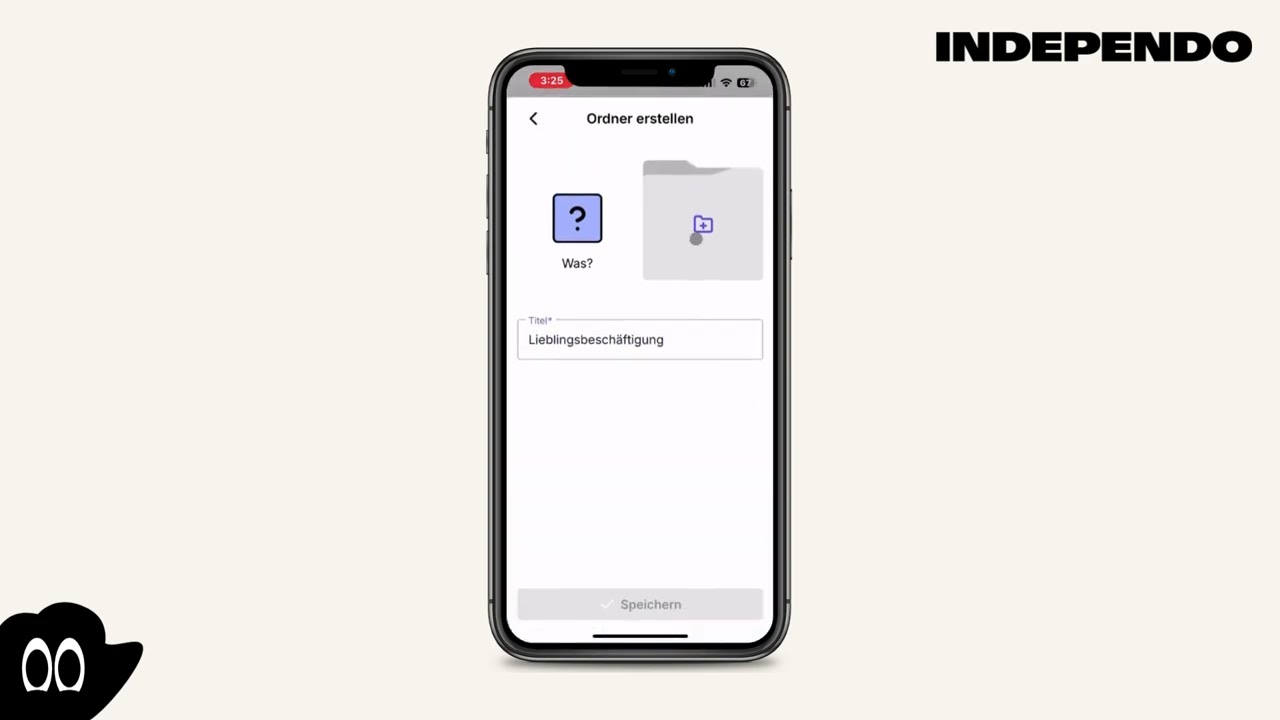
- Choose to which category the new folder should belong (“What”, “When”, “Where”)
- Click on the purple “+” icon
- Enter the name of the new folder
- Select a cover image for the Folder. You can choose a metacom symbol or your own image
- Click on “Save”
- Click on the Gearwheel icon in the top right corner
- Select Symbols
- Choose the folder to which you want to add a symbol
- Click on the purple “+” icon in the green rectangle
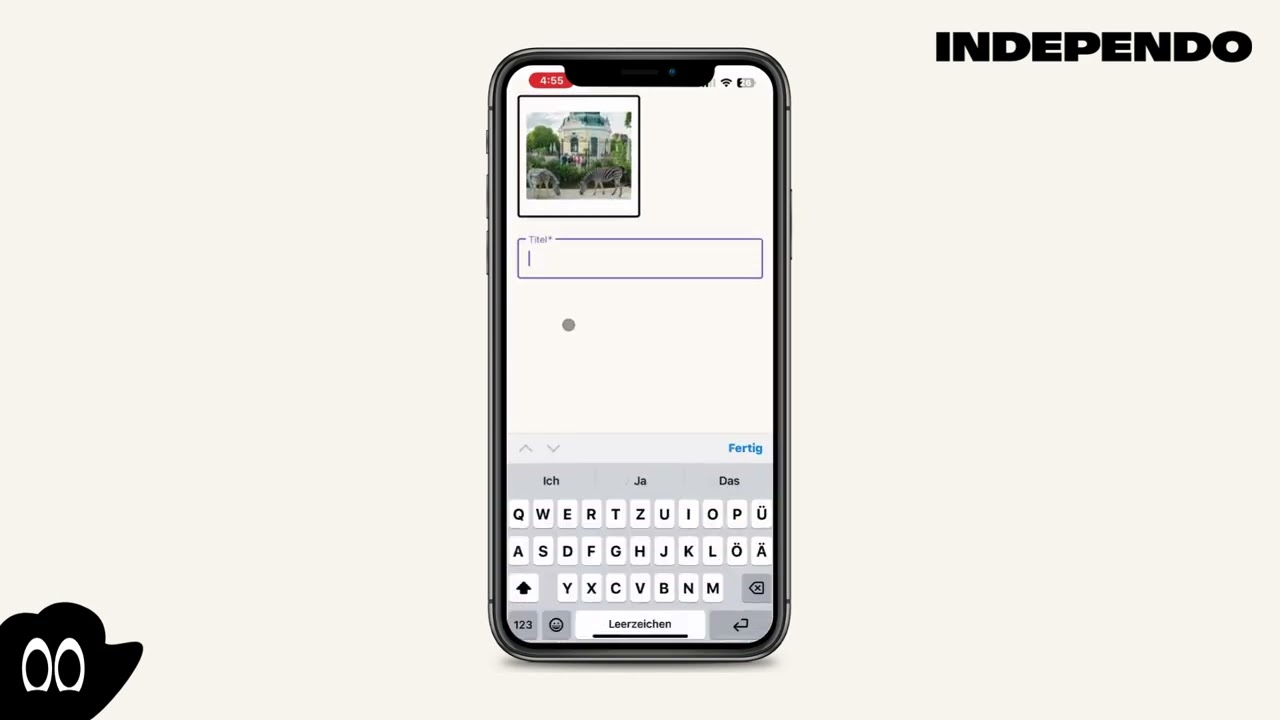
- You can choose a metacom symbol or your own image
- If you are adding a photo, give it a title
- Click on “Save”