Skip to content
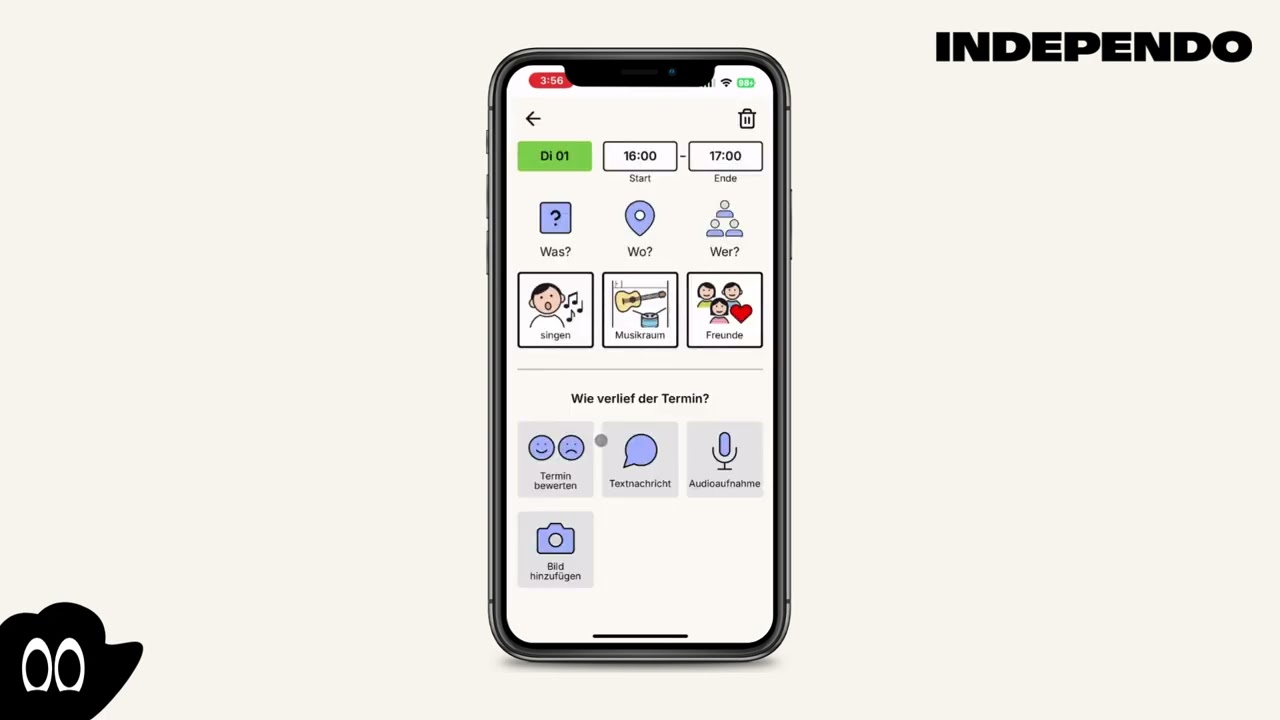
- Select an event in the past
- A new window will open
- Click on the field with the emoji
- Submit your rating
- Select an event in the past
- A new window will open
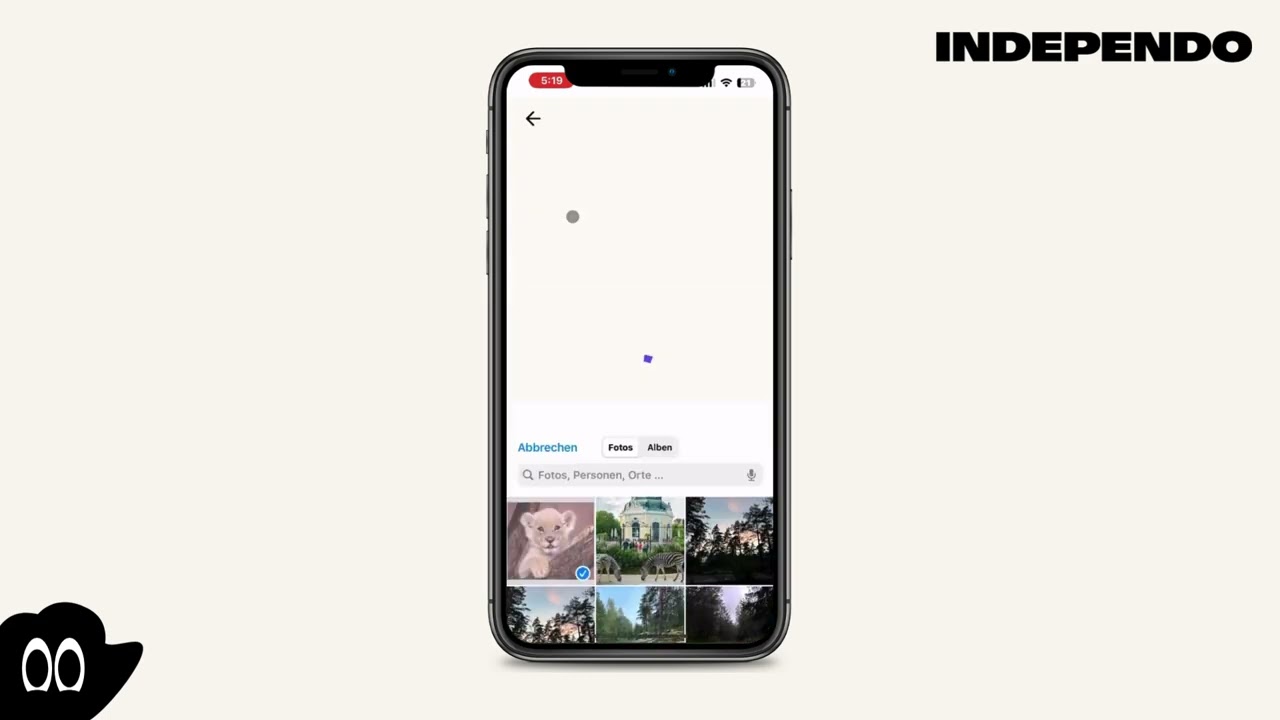
- Click on the field with the camera
- Choose a photo from your device or take a new one
- Select an event in the past
- A new window will open
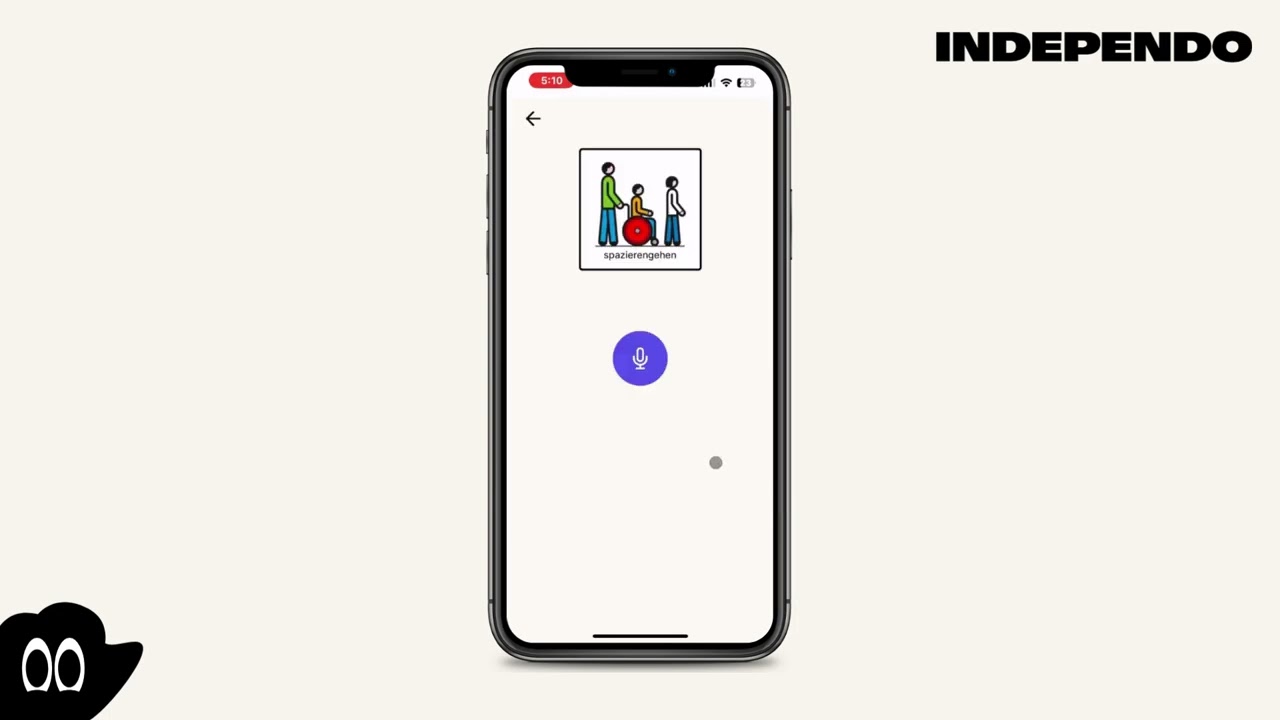
- Click on the field with the microphone
- Click on the “Play” button start recording
- Stop the recording by clicking on the “Stop” button
- Select an event in the past
- A new window will open
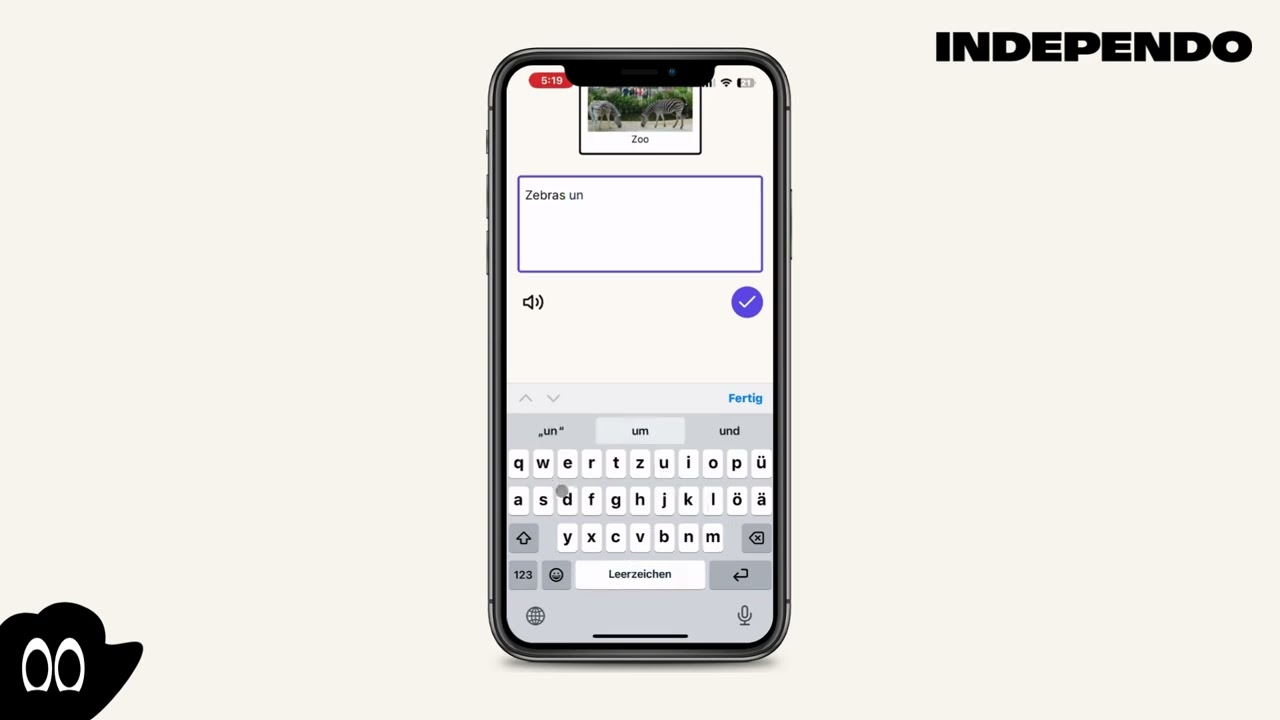
- Click on the field with the speech bubble
- Type your message, into the text field