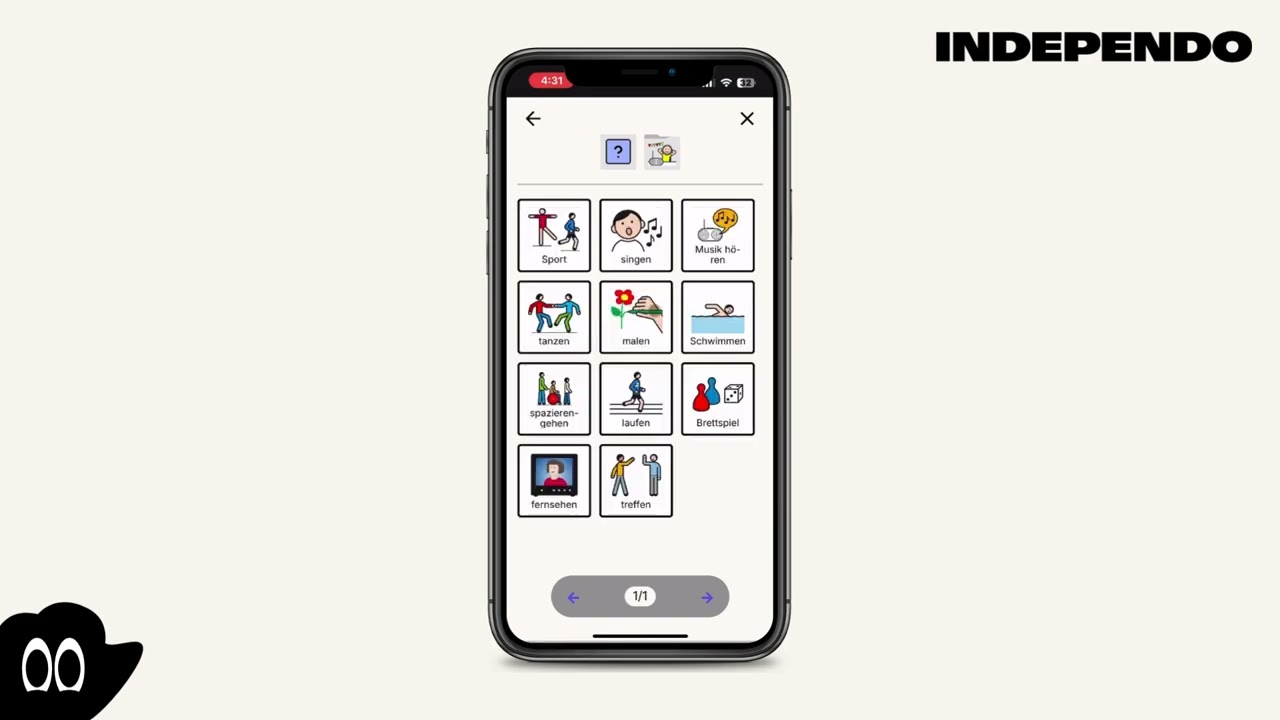
Create event
Create event - with time slots
Section titled “Create event - with time slots”- Select the wanted day
- Click on the timeslots
- A new window will open
- Day and time are prefilled
- Select a symbol for “What” you want to do
- Optionally add “Where” and “With whom”
- Click on “save”
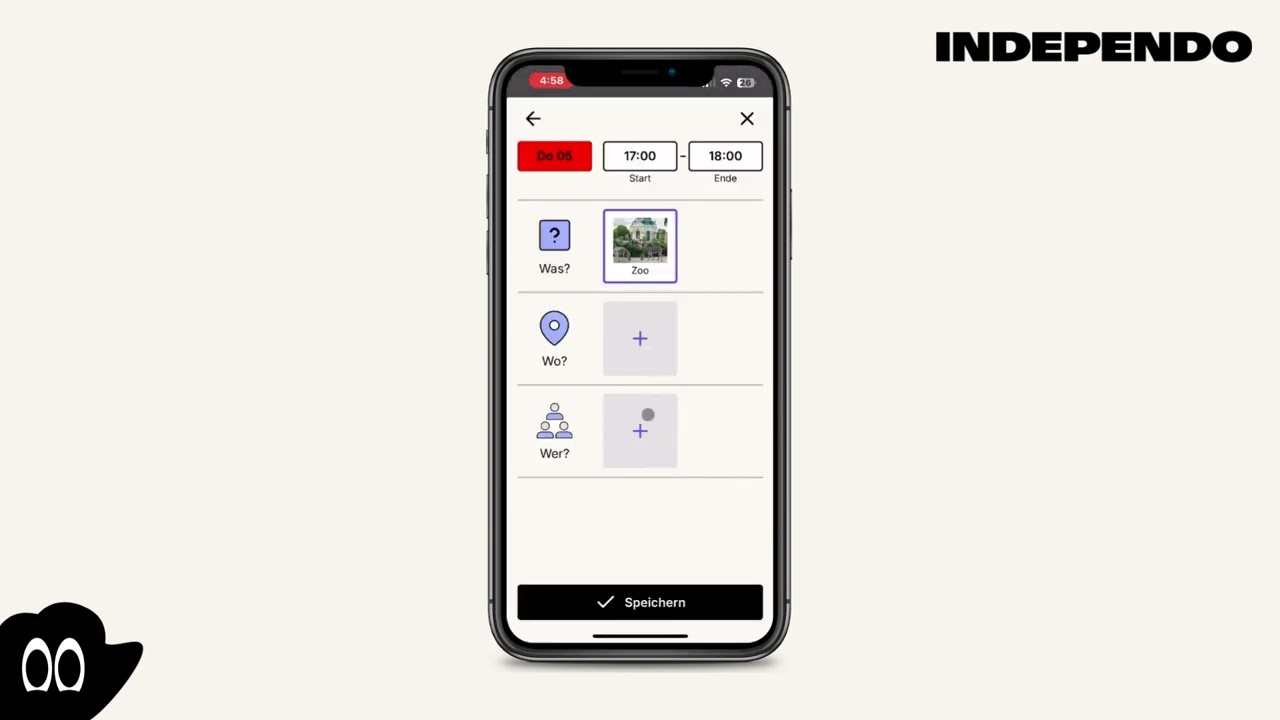
Create event - No time slots
Section titled “Create event - No time slots”- Click on the purple plus in the bottom right corner
- Click on the timeslots
- A new window will open
- Select the wanted day
- Select the wanted time
- Select a symbol for “What” you want to do
- Optionally add “Where” and “With whom”
- Click on “save”