
Color scheme
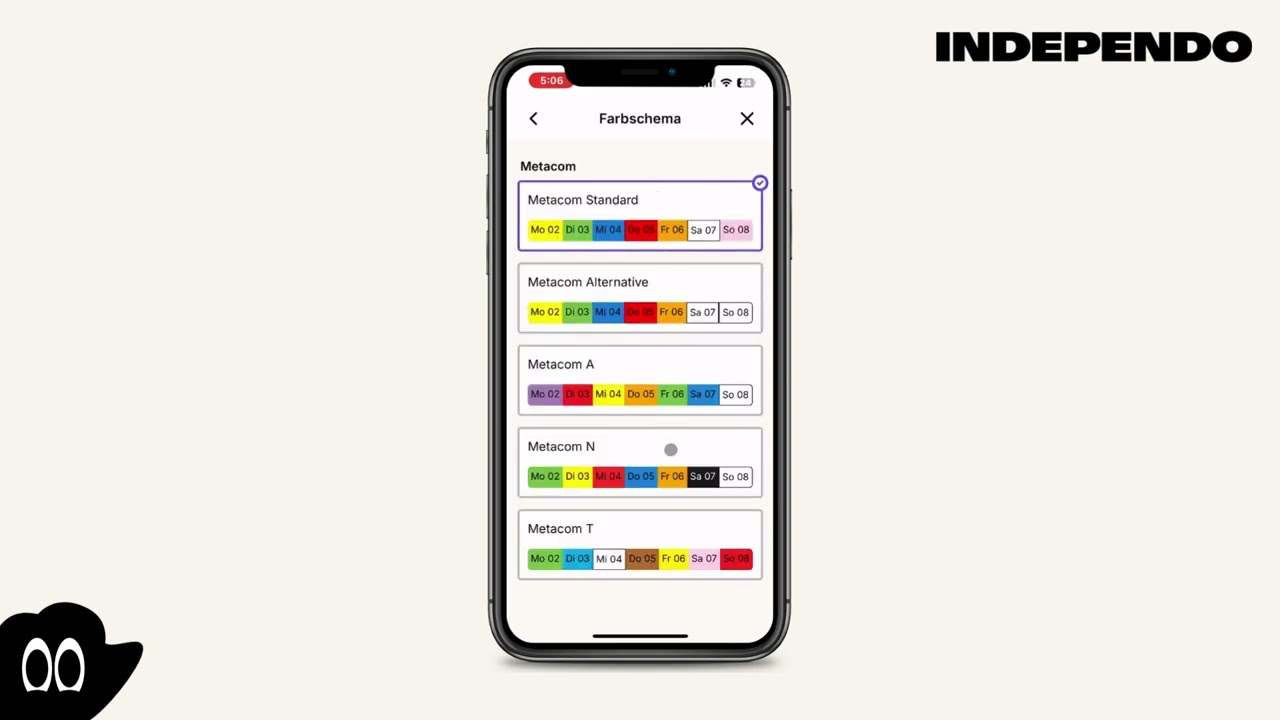
Change the color scheme
Section titled “Change the color scheme”- Click on the Gearwheel icon in the top right corner
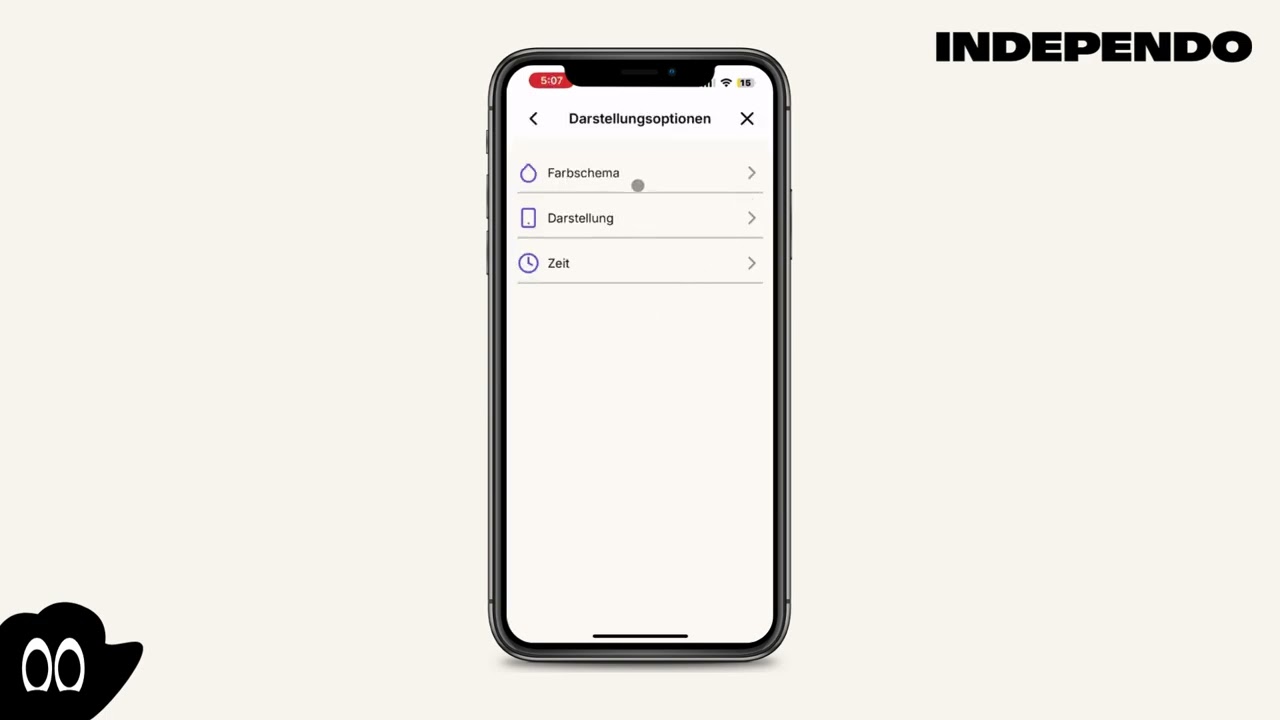
- Select Display
- Select Color Scheme
- Choose the color scheme you like
Show the background color of the current day
Section titled “Show the background color of the current day”- Click on the Gearwheel icon in the top right corner
- Select Display
- Select Display
- Toggle “Day view background color” on or off
Show the background color in the week view
Section titled “Show the background color in the week view”- Click on the Gearwheel icon in the top right corner
- Select Display
- Select Display
- In the “Week view background” selection, choose if all days, only the current on or none should have a background color